STEM LabPrep–2, Years 3–4, Years 5–6Free, no sign-up
Pixel Painter
Follow the code to colour in a secret picture.
Play Pixel Painter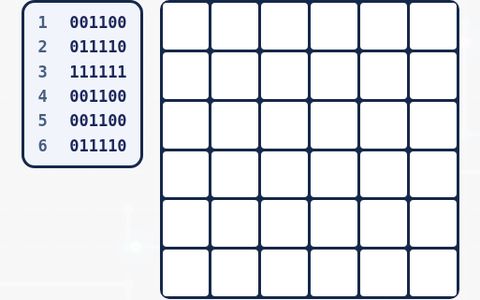
What students practise
Students follow binary and run-length codes to colour pixel pictures, learning how images are stored as data.
Australian Curriculum links
- Technologies: Digital Technologies › Knowledge and understanding: Representing images as data
Levels
- Level 1 (Prep–2): 5 × 5 binary
- Level 2 (Years 3–4): 6 × 6 binary
- Level 3 (Years 5–6): 8 × 8 run-length code
Classroom idea
Give students grid paper to design their own pixel picture and write its code for a friend.
Learning area
Digital Technologies, Science. Part of the STEM Lab zone. Works in any modern web browser on computers, tablets and Chromebooks.
More in STEM Lab
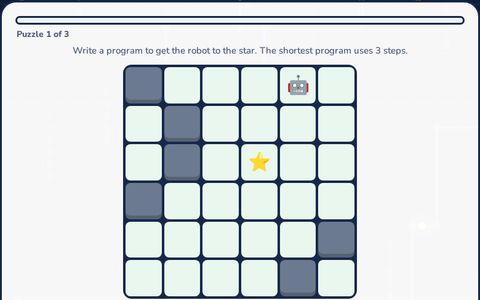 Robot RouteWrite a program to steer the robot to the star.
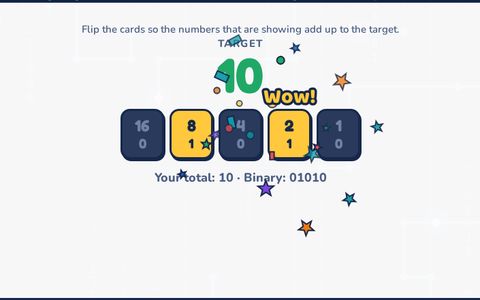 Binary BitsFlip bit cards to make numbers in binary.
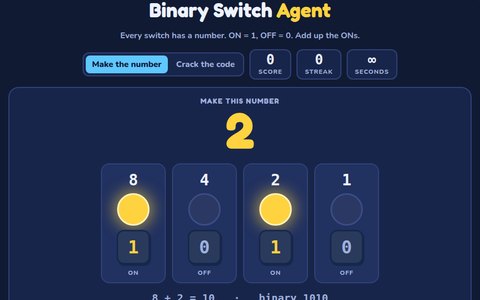 Binary Switch AgentFlip light switches to make numbers in binary, or crack the code by adding up the lights. Beat the 60-second mission!
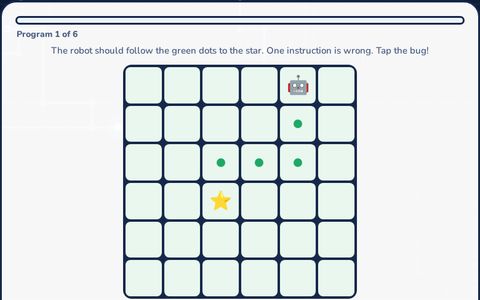 Bug HuntFind the wrong instruction in the robot's program.