Fire Crew Code
A block coding game about bushfires. Students drag code blocks to fly a firefighting helicopter, put out the fires and land back at base. Every level they finish unlocks a fire safety fact.
Play Fire Crew Code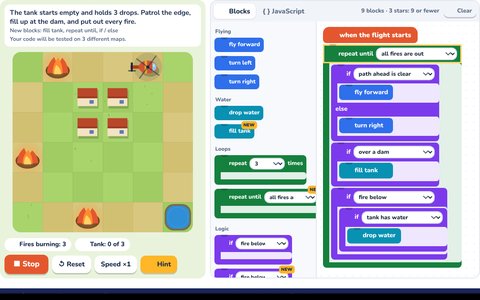
What students practise
Coding concepts step by step: sequence, loops, nested loops, if and if/else, repeat until, and variables. Students can switch to a JavaScript view to see their blocks as text code. From chapter 4 the fires move every time, and each program is tested on 3 different maps, so students need conditions rather than fixed moves.
The chapters
- 1. Take off (levels 1 to 5): sequence, turning, flying around smoke and landing on the helipad.
- 2. Loop the loop (levels 6 to 9): repeat blocks.
- 3. Loops in loops (levels 10 to 12): nested loops.
- 4. Look before you drop (levels 13 to 16): if blocks, fires that move, and a water tank to refill at the dam.
- 5. Keep going until… (levels 17 to 20): if/else and repeat until.
- 6. Count on it (levels 21 to 24): variables, finishing with a patrol to protect the town.
Fire safety facts
Each level unlocks one of 24 fire safety facts, such as the Fire Danger Ratings, warning levels, Triple Zero (000), smoke alarms, a Bushfire Survival Plan and emergency kits. Students can see all of their facts at any time under “My fire facts”.
Saving progress
Teachers make a class inside the game (choose “For teachers: set up a class” and type the student names). The game gives a student link to share in Google Classroom or as a QR code on the board. Students open it and tap their name, with no codes to type, and every student’s levels and stars show on the teacher’s class page, with a spreadsheet download. Student names are locked in the browser before they are saved, so they are never stored in readable form. Students can also play without a class, and progress is then saved on that device only.
For teachers
Fewer blocks earn more stars, which encourages students to look for loops and patterns. Each level has a hint button. A good follow-up is to discuss the fire safety fact from the last level the class finished.
Australian Curriculum links
- Technologies: Digital Technologies › Processes and production skills: Designing and implementing algorithms with sequence, branching and iteration, and using variables (Years 5 and 6)
- Health and Physical Education › Personal, social and community health: Safety and help-seeking in emergencies
Learning area
Digital Technologies, Health. Part of the STEM Lab zone. Works in any modern web browser on computers, tablets and Chromebooks.
More in STEM Lab
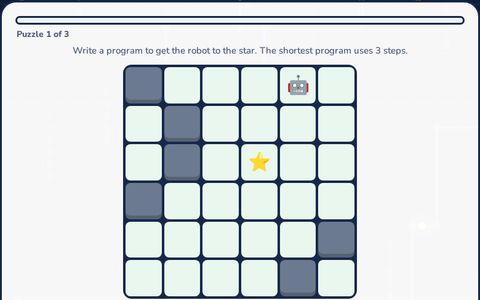 Robot RouteWrite a program to steer the robot to the star.
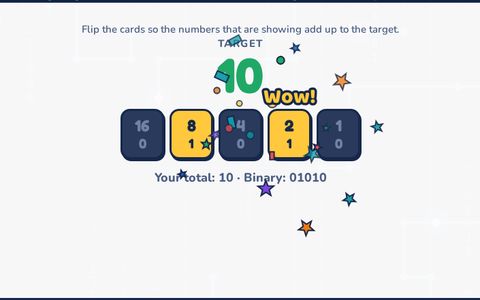 Binary BitsFlip bit cards to make numbers in binary.
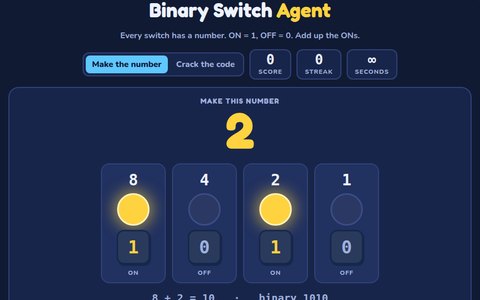 Binary Switch AgentFlip light switches to make numbers in binary, or crack the code by adding up the lights. Beat the 60-second mission!
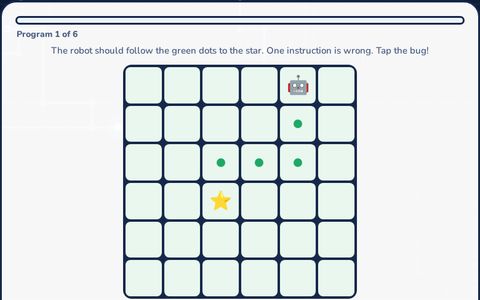 Bug HuntFind the wrong instruction in the robot's program.
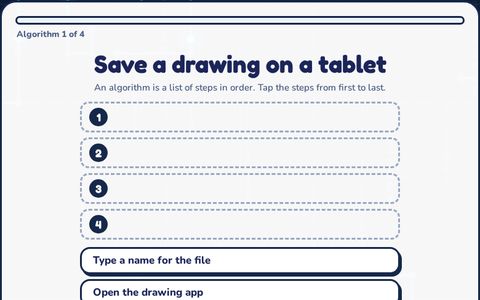 Step by StepPut the steps of an everyday algorithm in order.