Cyber Safety Obby
A 3D obstacle course where every gate asks a cyber safety question. Students read the question and the three answers, then run through door A, B or C to keep going.
Play Cyber Safety Obby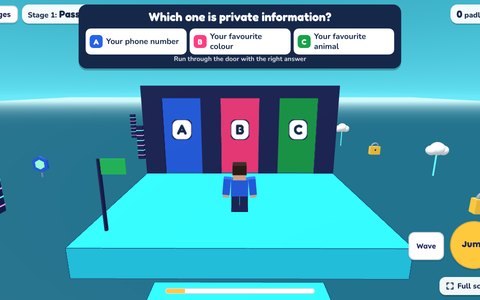
What students practise
Keeping personal information private, strong passwords, telling a trusted adult, safe chatting, spotting scams and phishing, kindness online, digital footprints, app permissions and updates. There are three levels: Prep to Year 2, Years 3 and 4, and Years 5 and 6.
The stages
- Stages 1 to 5: Password Park, Privacy Path, Safe Chat Bridge, Firewall Falls and Phishing Pond.
- Stages 6 to 10: Kindness Corner, Pop-up Maze, Footprint Trail, Update Station and Cyber Hero HQ.
For teachers
Students need to read the questions, so younger students may need help or a buddy. A good follow-up is to talk through any question the class found tricky. Finishing a stage opens the next one, up to 3 new stages a day, and progress is saved on each device.
Australian Curriculum links
- Technologies: Digital Technologies › Processes and production skills: Privacy and security
- Health and Physical Education › Personal, social and community health: Safety and help-seeking
Learning area
Digital Technologies, Health. Part of the STEM Lab zone. Works in any modern web browser on computers, tablets and Chromebooks.
More in STEM Lab
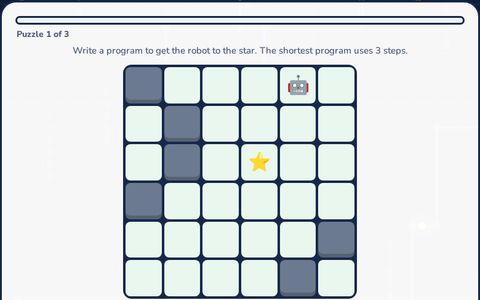 Robot RouteWrite a program to steer the robot to the star.
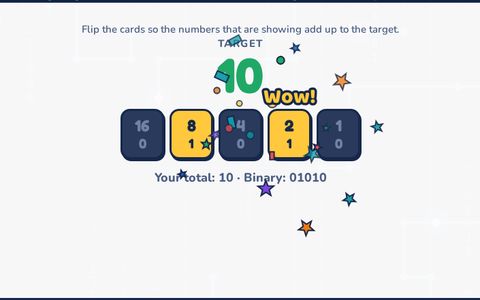 Binary BitsFlip bit cards to make numbers in binary.
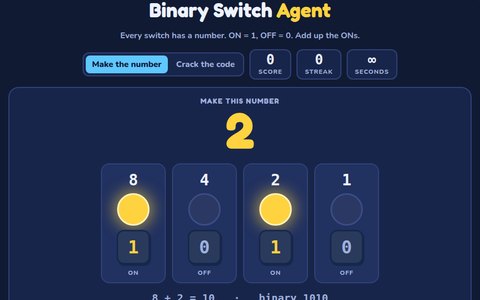 Binary Switch AgentFlip light switches to make numbers in binary, or crack the code by adding up the lights. Beat the 60-second mission!
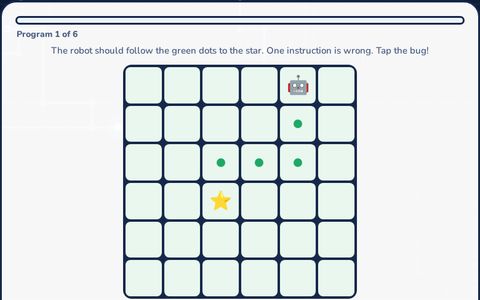 Bug HuntFind the wrong instruction in the robot's program.
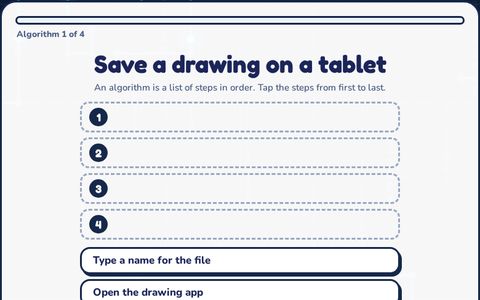 Step by StepPut the steps of an everyday algorithm in order.