Cyber Squad
A cyber safety arcade adventure set in the made-up seaside town of Byte Bay. Students walk their agent around the town, chase glitchlings for coins, and walk into buildings to play 8 missions of arcade games. Then they take on the Glitch, a cheeky villain who throws tricks at them. It takes about an hour to finish.
Play Cyber Squad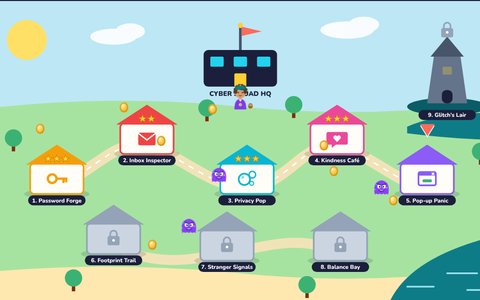
The missions
- 1. Password Forge: catch strong passwords, forge a passphrase from falling words, run through answer gates about who can know a password, and bonk weak passwords.
- 2. Inbox Inspector: zap scam messages before they land, bonk red flags, an inbox rush, and catch the safe messages.
- 3. Privacy Pop: pop the bubbles with private information over 3 waves, then catch the things that are OK to share.
- 4. Kindness Café: catch kind comments, run through upstander choices, zap mean comments to turn them kind, and bonk unkind comments.
- 5. Pop-up Panic: close fake pop-ups with the real close button, run through choices about in-game purchases, and zap fake ads.
- 6. Footprint Trail: catch photos that are OK to post, blur the clues in photos, think about “future you”, and bonk posts that overshare.
- 7. Stranger Signals: bonk red flags in a pretend game chat, run through what to do, catch trusted adults, and zap stranger messages.
- 8. Balance Bay: zap unhealthy habits, juggle 4 meters to keep an afternoon balanced, and catch healthy habits.
- 9. Glitch’s Lair: a boss battle. Catch the safe choices to zap the Glitch and dodge its tricks.
How it works
Every mission has a tips card and 4 short arcade rounds. Wrong moves show a one-line explanation, so students learn as they play. Students earn stars, coins and combos, and can spend coins on gear for their agent, which makes replaying a mission worthwhile. Students choose a code name instead of their real name. A 🔊 button reads the words out loud for students who need help with reading. Games work with a keyboard, a mouse or a touch screen. Progress is saved on the device, and students who beat the Glitch can print a certificate.
For teachers
The game works well as one long session or as one mission a lesson. A good routine is to read the tips card together, let students play the mission, then talk about the Squad fact on the results card. All apps, games, people and places in the game are made up.
Australian Curriculum links
- Technologies: Digital Technologies › Privacy and security: Discussing what personal information is and why it should be kept private, and using passwords to protect accounts (Years 3 and 4)
- Health and Physical Education › Personal, social and community health: Strategies to stay safe online, being kind and respectful, and help-seeking (Years 3 and 4)
Learning area
Digital Technologies, Health. Part of the STEM Lab zone. Works in any modern web browser on computers, tablets and Chromebooks.
More in STEM Lab
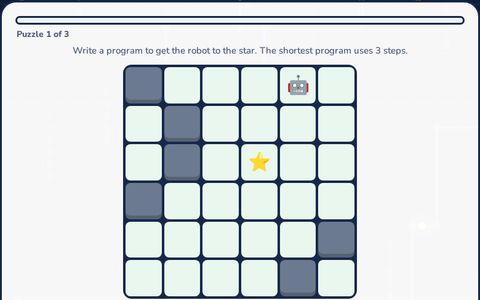 Robot RouteWrite a program to steer the robot to the star.
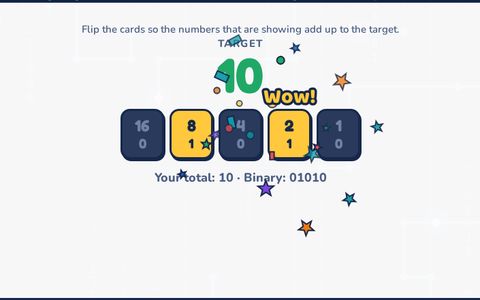 Binary BitsFlip bit cards to make numbers in binary.
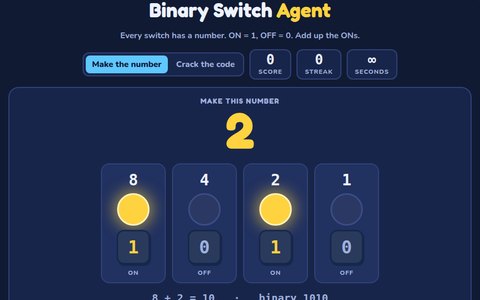 Binary Switch AgentFlip light switches to make numbers in binary, or crack the code by adding up the lights. Beat the 60-second mission!
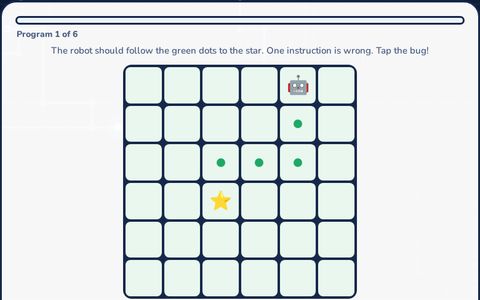 Bug HuntFind the wrong instruction in the robot's program.
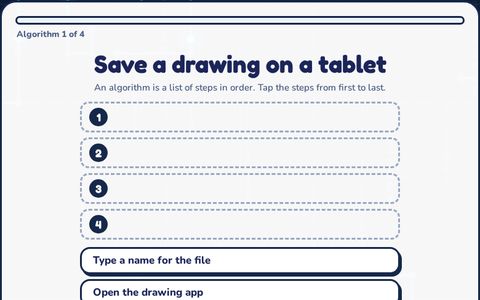 Step by StepPut the steps of an everyday algorithm in order.